How to Use Digital Coupons (2026 Guide)
Learn how digital coupons work, how to use them at grocery stores and online, and where to find free, verified digital coupons and promo codes.
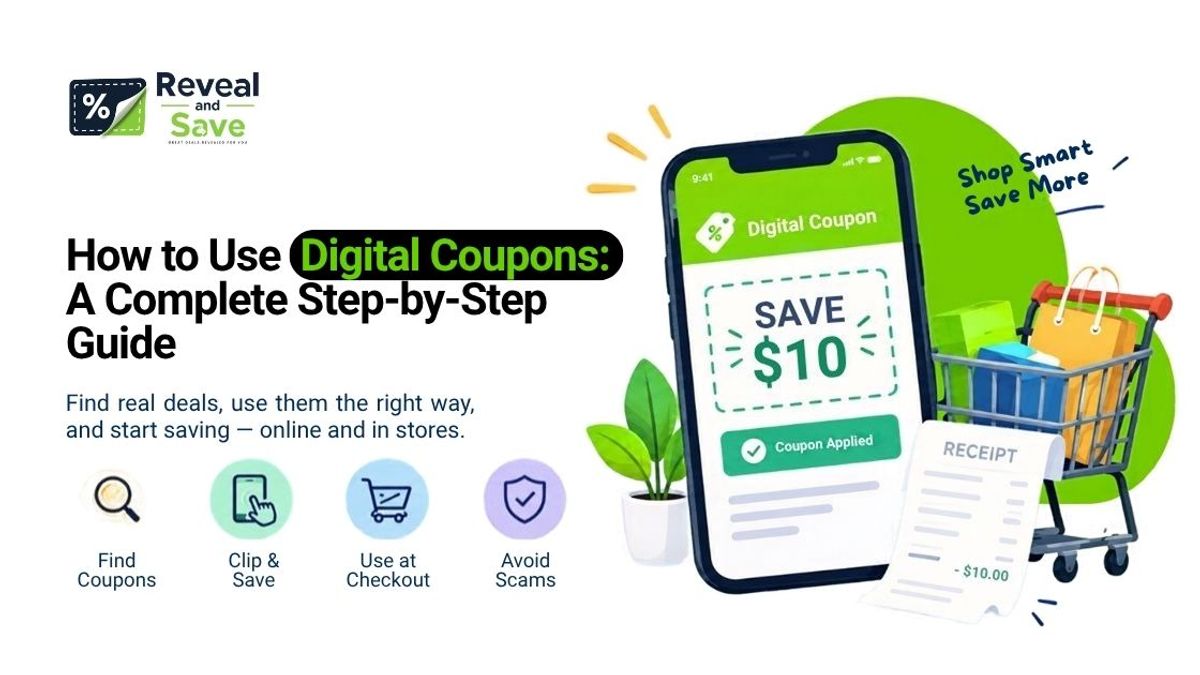
Digital coupons have mostly replaced the scissors-and-newspaper routine, but a lot of shoppers still aren't sure how they actually work — why a coupon "clipped" in an app doesn't show up on the receipt, why two digital coupons won't stack, or where to find ones that are actually legitimate. This guide walks through exactly how digital coupons work, how to use them at the grocery store and online, and how to tell a real discount from a scam.
What Is a Digital Coupon?
A digital coupon is an electronic discount that's redeemed through a store loyalty card, a retailer's app or website, or a code entered at online checkout — instead of a physical piece of paper. It can come as a manufacturer coupon, a store-issued coupon, or a promo code, and the discount is applied automatically or by entering a short alphanumeric code.
That single term covers two systems that work differently in practice:
- Grocery and retail loyalty coupons — offers you "clip" inside a store's app (Kroger, Safeway's Just for U, Target Circle, Publix, and similar), which attach to your loyalty account and come off automatically at checkout.
- Online promo and discount codes — short codes you type into a coupon field during online checkout, used across fashion, beauty, travel, electronics, and virtually every e-commerce category.
Both save you money without a paper coupon, but the redemption steps aren't the same, which is where most of the confusion happens.
How Does Digital Coupons Work?
Digital coupons work by linking a discount to either your loyalty account or a code entered at checkout. In stores, you "clip" or "add" the offer in an app before shopping, then the discount applies automatically when your loyalty card or phone number is scanned. Online, you copy a promo code and paste it into the checkout page's coupon field before paying.
Here's the mechanism in more detail:
- A retailer or brand issues an offer — either a manufacturer coupon distributed through a loyalty program, or a promo code created for a specific site or campaign.
- You "activate" it by tapping "Add to Card" (grocery apps) or copying a code (online stores). Activation is what tells the retailer's system to apply the discount to your account or session.
- The system checks eligibility at checkout — item, quantity, purchase minimum, and expiration date all get verified before the discount is applied.
- The discount is subtracted, either automatically (loyalty-linked coupons) or once you enter the code (online promo codes).
This is why a "clipped" grocery coupon never shows on your digital cart before you check out — it's tied to your loyalty card, not your online basket, and only appears as a line-item discount once that card or phone number is scanned or entered.
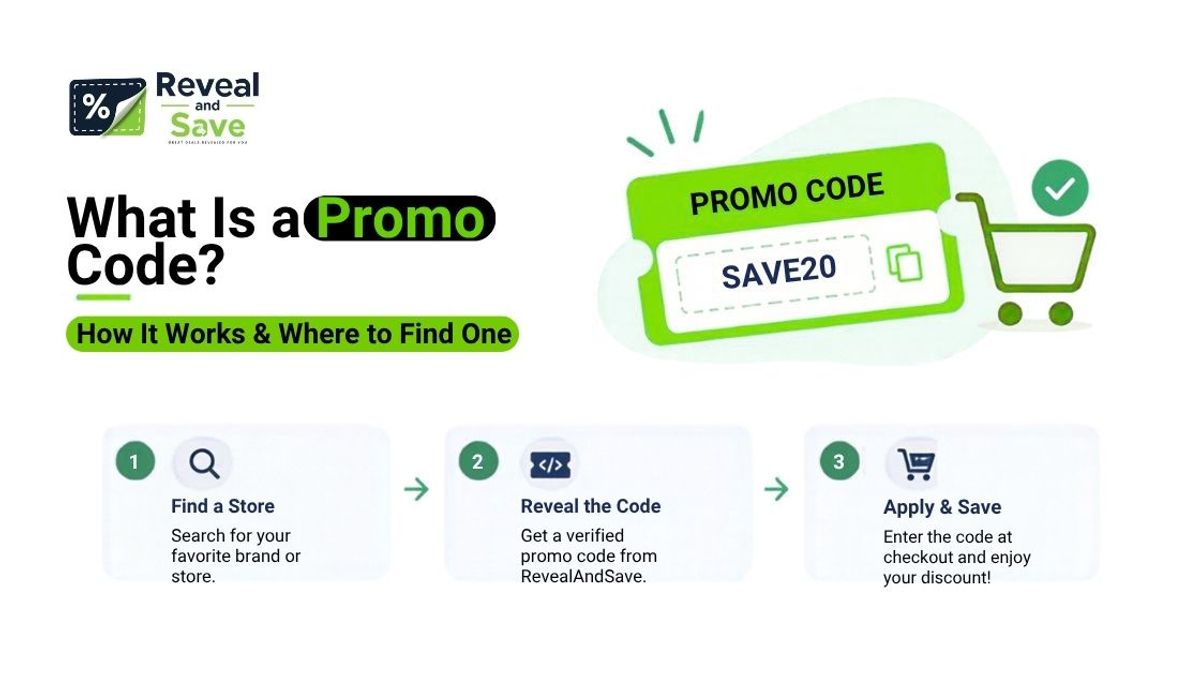
What Is a Promo Code? How to Find & Use It
How Do You Use Digital Coupons? Step-by-Step
At the Grocery Store
- Download your store's app (Kroger, Safeway/Albertsons "Just for U," Target Circle, Publix, or similar) and link it to your loyalty account, or create one if you don't have it yet.
- Browse the digital coupons or weekly deals section and tap "Add to Card" or "Clip" on anything you plan to buy. Most large chains refresh their digital coupon selection weekly.
- Shop as usual, and at checkout provide your loyalty phone number or scan your loyalty card (or have it linked automatically if you're using the store's own checkout or pickup app).
- Check your receipt. The discounts appear as line-item deductions once the loyalty account is applied — not before.
A couple of practical notes: most grocery digital coupons can't be combined with a paper coupon for the same item (retailers generally allow one coupon per item), and a coupon has to be added to your card before you check out — adding it after you've already paid won't retroactively apply the discount.
For Online Shopping (Digital Grocery Coupons, Promo Codes, and Discount Codes)
- Find the code through the retailer's own site, a brand's email list, or a coupon aggregator site.
- Copy the code exactly as shown — codes are usually case-sensitive and don't tolerate extra spaces.
- Add your items to the cart and go to checkout.
- Paste the code into the "promo code" or "coupon code" field, then apply it before entering payment details — most sites won't let you add a code after payment has been processed.
- Confirm the discount shows in your order total before completing the purchase. If it doesn't apply, check for a minimum spend requirement, category exclusion, or expiration.
Sites like RevealAndSave focus on this second category — hand-checked promo codes for online retailers across fashion, travel, luxury, sports, and tech, with a "reveal" step that copies the code to your clipboard so you can paste it straight into checkout.
Browse verified codes by category
Which Grocery Stores Offer Digital Coupons?
Most major U.S. grocery and retail chains now run their own digital coupon programs tied to a free loyalty account:
Policies on stacking a digital coupon with a paper manufacturer coupon vary by chain and can change, so it's worth checking each store's current coupon policy page if you're trying to combine offers.
Digital Coupons vs. Paper Coupons
Neither format is strictly "better" — digital coupons win on convenience and personalization, while paper coupons still have an edge for shoppers who like combining a manufacturer coupon with a separate digital store offer where policy allows it.
Where to Find Free Digital Coupons
Grocery and food coupons:
- Your grocery chain's own app (Kroger, Just for U, Target Circle, Publix, Walmart) — this is the most reliable source because offers are issued directly by the retailer.
- Manufacturer and brand websites and email newsletters — brands frequently email digital coupons directly to subscribers.
- Cashback apps like Ibotta or Fetch, which work alongside — not instead of — store digital coupons for additional savings on a receipt.
Retail and online shopping coupons:
- The retailer's own site or app, which is always the safest first stop.
- A dedicated coupon-code site that verifies offers before publishing them. RevealAndSave, for example, hand-checks and re-scores codes across fashion, travel, luxury, sports, and tech brands — including current offers for stores like Retrolife, Revel Nail, and Woodemon — so a shopper looking for a specific brand's code doesn't have to test a dozen expired ones first.
- Brand social media and email lists, which often carry first-access codes before they appear anywhere else.
A digital coupon only grants real savings when it's verified and current — an expired or fabricated code wastes more time than it saves, which is the main reason a hand-checked source is worth using over a random forum post or screenshot.
Common Digital Coupon Mistakes
- Adding a coupon after checkout. Digital coupons (grocery and online) generally must be activated or entered before the transaction completes.
- Assuming coupons stack automatically. Most retailers cap discounts at one per item; check the store's coupon policy before counting on combining offers.
- Missing the expiration or purchase minimum. A code that requires a $50 minimum won't apply to a $22 order, even if it's still "valid."
- Using a coupon on the wrong version of a product. Manufacturer coupons are often specific to a size, flavor, or SKU.
- Forgetting to link a loyalty account. A clipped grocery coupon does nothing if your phone number or card isn't scanned at checkout.
How to Spot a Fake or Scam Digital Coupon
Coupon fraud is a real, documented problem, and the Federal Trade Commission has published guidance on it for years. A few reliable warning signs:
- You're asked to pay for a coupon. Legitimate coupons are free; "processing fee" coupon booklets and paid coupon clubs are a recognized scam pattern.
- The discount looks unrealistic — free high-value products, 80%+ off sitewide, or "no purchase necessary" offers deserve extra scrutiny.
- The coupon was emailed or shared by someone other than the manufacturer or an authorized retailer/affiliate.
- It redirects to an unfamiliar site that doesn't match the brand's actual domain, or asks for payment-card details before showing the discount.
- It pressures you to act immediately with countdown timers or claims the deal will vanish in minutes — a common tactic used to short-circuit careful reading.
If you're unsure whether a coupon is real, go directly to the retailer's official site or app instead of clicking a shared link, and report suspicious coupons to the FTC if you encounter one.
Tips to Maximize Digital Coupon Savings
- Check both your grocery app and a manufacturer coupon before assuming there's only one discount available.
- Sign up for a brand's email list before a big purchase — first-time-subscriber promo codes are common and often larger than public codes.
- Pair a store's own digital coupon with a separate cashback app for a second layer of savings on the same purchase.
- Verify a promo code shows a recent "verified" timestamp before relying on it — codes that haven't been checked recently are far more likely to be expired.
- Read the fine print on exclusions (sale items, gift cards, and shipping are commonly excluded from percentage-off codes).
Federal Trade Commission — Costly Coupon Scams
Frequently Asked Questions
1. What is the best website for free coupons?
There isn't a single universal "best" site, because grocery coupons and online retail promo codes come from different places. For groceries, your store's own app (Kroger, Just for U, Target Circle, Publix) is the most reliable free source since offers come directly from the retailer. For online shopping across fashion, travel, beauty, and tech brands, a coupon-code site that verifies offers before listing them — such as RevealAndSave — helps you avoid the expired and fake codes common on unmoderated forums.
2. Where do extreme couponers get the coupons?
Experienced couponers typically combine several free sources: manufacturer coupons from brand websites and newsletters, store loyalty-app digital coupons, printable coupons from official coupon portals, and occasionally Sunday newspaper inserts for paper coupons that can be combined with a digital store offer where policy allows. They also track store-specific coupon policies closely, since stacking rules vary by chain.
3. How do I get a digital coupon on my phone?
Download your store's official app, create or link your loyalty account, and browse the app's coupon or deals section. Tap "Add to Card" or "Clip" on any offer you want — it's saved to your account and applies automatically when your loyalty card or phone number is used at checkout. For online promo codes, you typically copy the code from a retailer's site or a coupon site and paste it into checkout — no app required.
4. What is the easiest way to get coupons?
Linking your phone number or loyalty card to your regular grocery store's app is generally the lowest-effort option, since coupons apply automatically without you carrying anything. For online shopping, using a coupon-code site that surfaces verified, current codes for the brand you're already buying from saves the time of hunting through expired listings yourself.
5. What stores offer digital coupons?
Most major grocery chains — Kroger and its affiliates, Safeway/Albertsons, Target, Publix, Walmart, and Walgreens — run their own digital coupon programs through free loyalty apps. Outside of groceries, the majority of online retailers across fashion, travel, luxury, sports, footwear, and technology offer promo or discount codes at checkout, which can be found on the retailer's own site or through a verified coupon-code aggregator.
Editorial Team
Editorial at RevealAndSave